ESP32-S3 Internet Monitor
Arduino firmware that uses HTTP checks to drive an animated 8x8 LED matrix, with a browser dashboard and optional MQTT reporting.

The internet at my property drops out intermittently, and when it does, it is not always clear where the fault lies. It may be something in my own network, such as DNS, or the uplink itself. I wanted a quick visual indication of the connection without testing it by hand each time. I bought a Waveshare ESP32-S3-Matrix for this purpose: a small board with a microcontroller and an 8x8 grid of RGB LEDs, which I could turn into a monitor to read at a glance.
I wrote the firmware in Arduino C++. While connected to WiFi, it normally starts an HTTP check about every ten seconds and uses the result to change the display. The board also serves a browser dashboard for setup and controls, and can report its state over MQTT. The project is MIT licensed.
Reading the matrix
The check has a small set of states, each with a colour. Solid mode fills the matrix with that colour, while the animated modes use it in different ways. The table describes the status palette; some effects have colours of their own.
| State | Status colour | Meaning |
|---|---|---|
| Online | Green | Normally, an HTTP check succeeded |
| Degraded | Yellow | One check failed |
| Down | Red-orange | Two or more checks in a row failed |
| WiFi lost | Red | The board lost its WiFi connection; HTTP checks pause |
| Setup | Purple | The setup portal is open |
A successful HTTP check clears the failure count and returns the state to Online. Joining or recovering WiFi also sets Online, so green can appear before a successful HTTP result. Reconnecting WiFi leaves the failure count in place; only a successful check clears it.
Following a check
The check first requests Google’s generate_204 endpoint, then tries Cloudflare’s equivalent if that fails. Either an HTTP 200 or 204 counts as success. A successful first request ends the check there.
The request needs the hostname to resolve and an HTTP response to come back. DNS is therefore part of the check, and a DNS failure can look the same as an unavailable uplink. The separate WiFi lost state tells you when the board has lost its wireless connection. Beyond that, a failed request does not locate the fault.
A response with status 200 counts even if its body is a captive portal login page. Reaching either endpoint also does not establish that every website works. The request has a two-second TCP connect timeout and a three-second read inactivity timeout, though neither bounds the whole check. Slow requests can push checks beyond their usual ten-second spacing.
Choosing how it looks
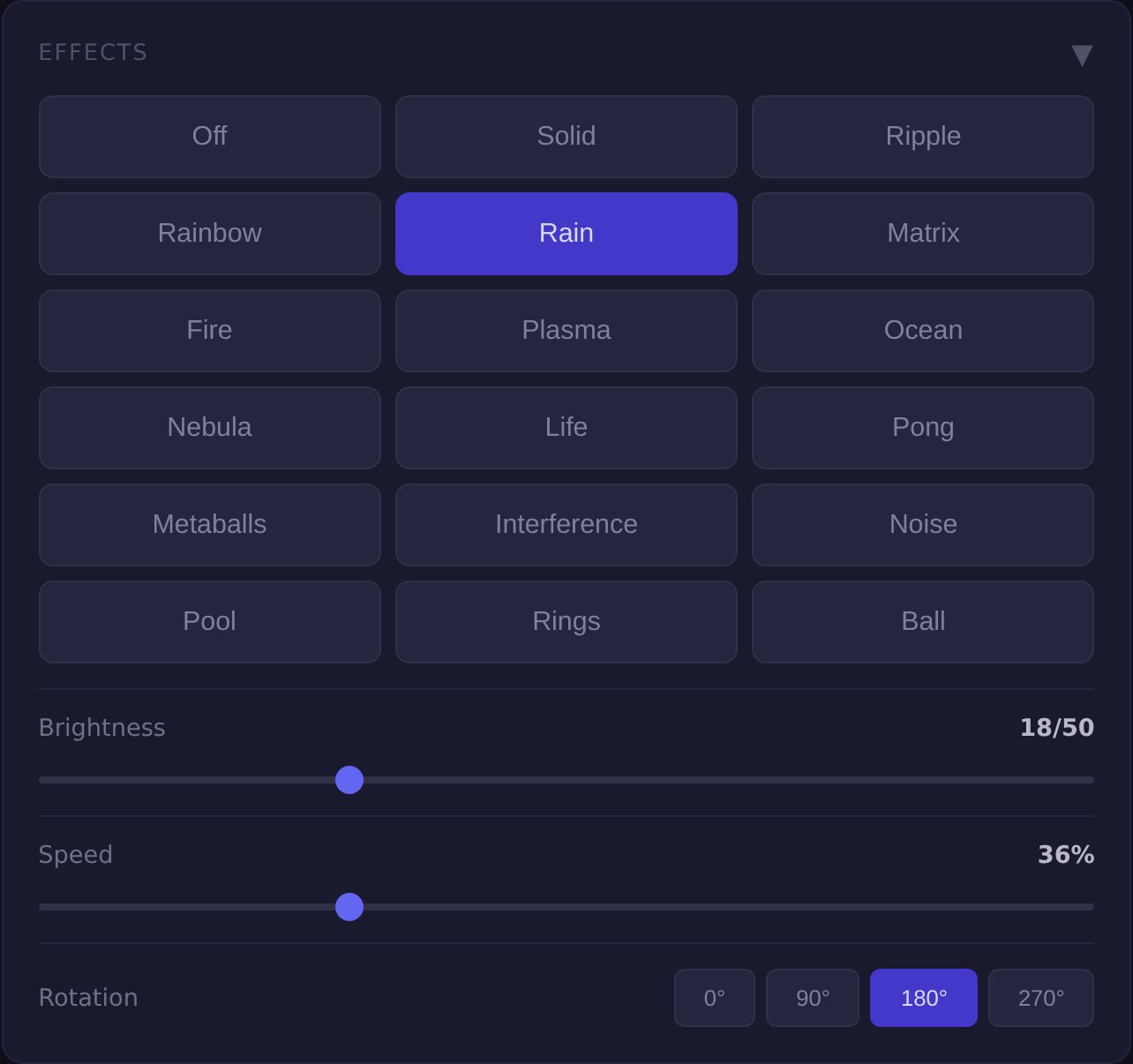
There are eighteen display modes, including Off. Rain, Fire and Pong use the shared state colour, sometimes with highlights. Plasma and several other effects use their own palettes while Online, then use the state colour in other states. Rainbow keeps its own colours while Online and blends them with the state colour otherwise. There is also a modified Game of Life effect, with colour families of its own.
The shared state colour fades over half a second, softening transitions in effects that draw from it. An effect that switches palettes can still change abruptly, and Off leaves the matrix dark. The choice of effect changes how you read the status as well as what moves on the display.
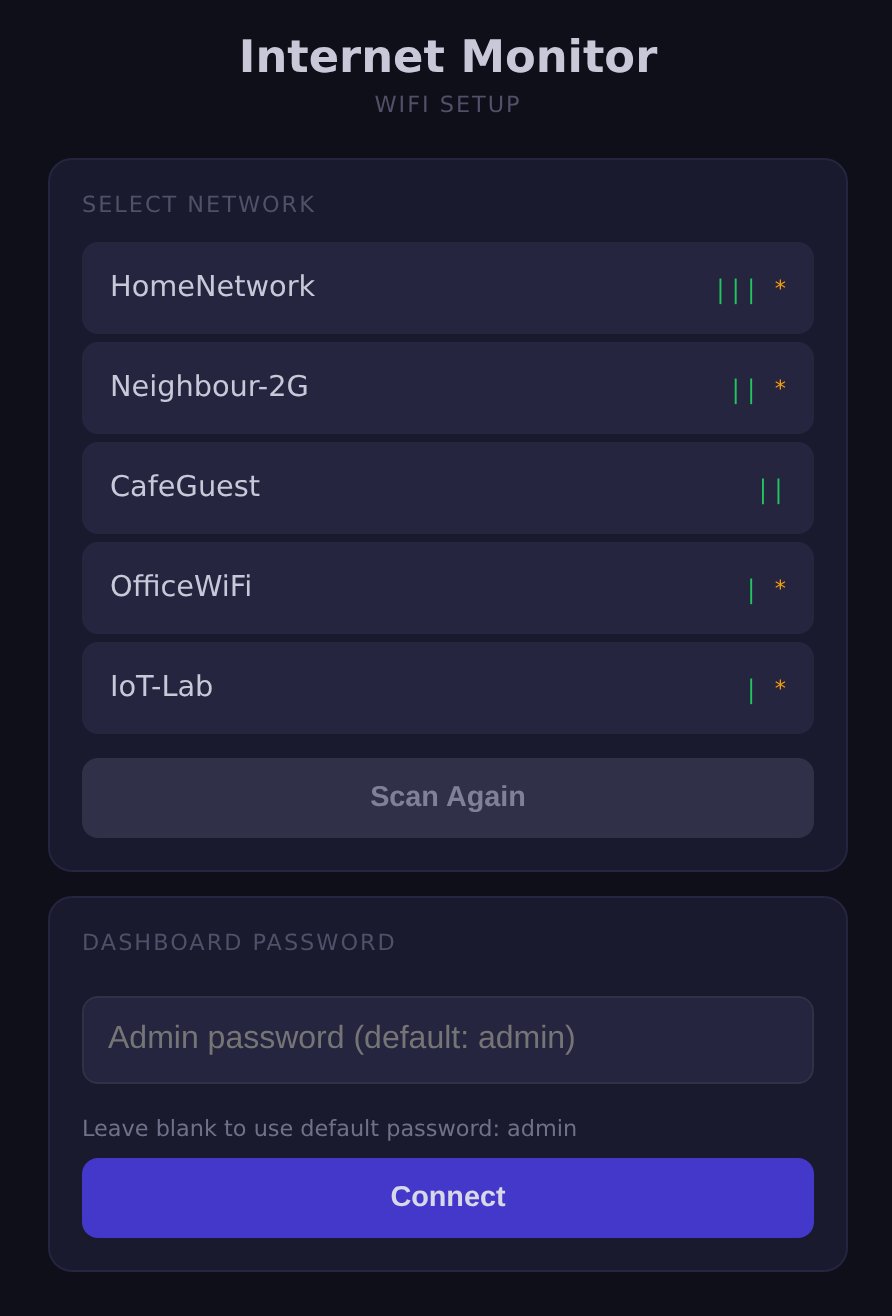
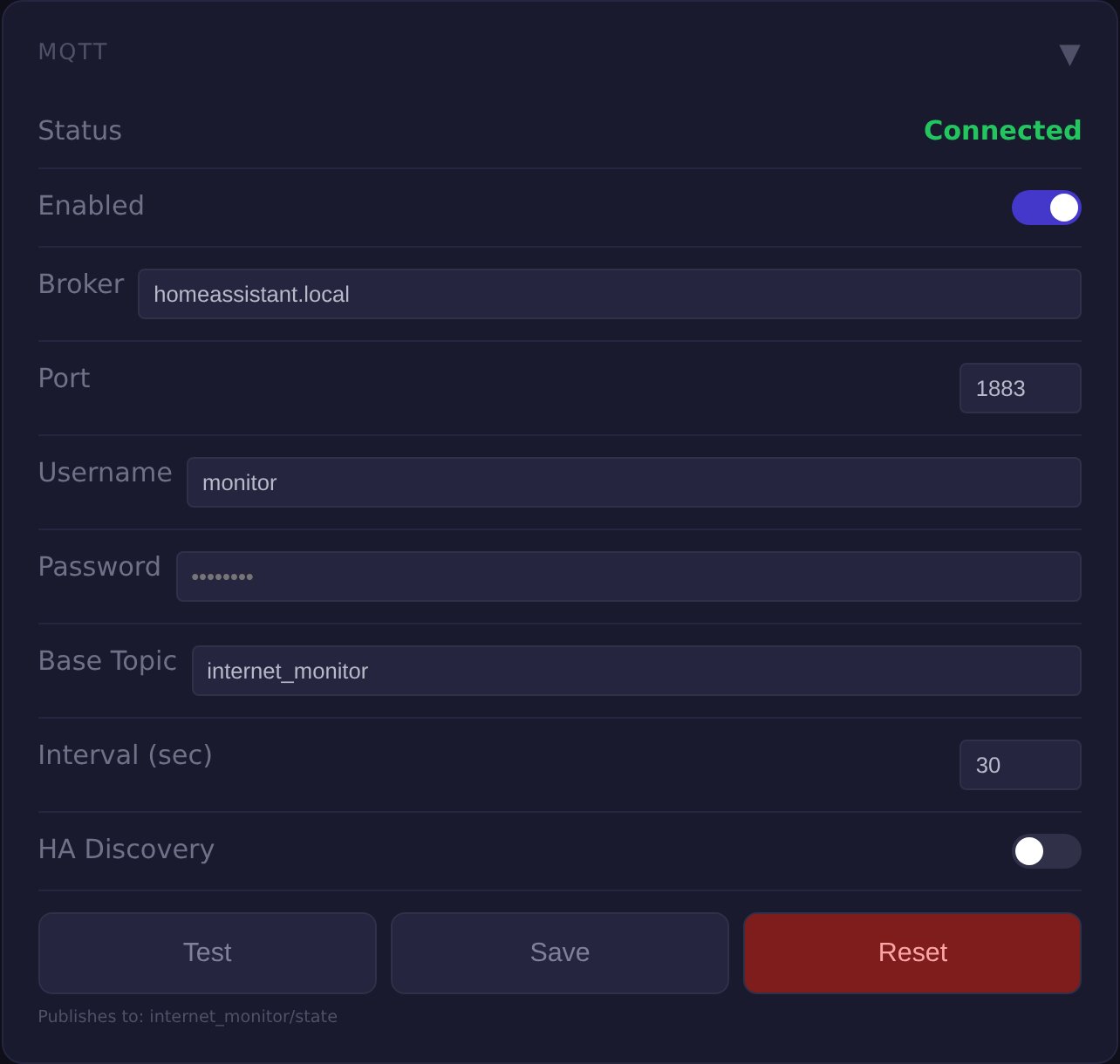
All four interface screenshots below are host previews of the firmware’s web code using sample data, rather than captures from the board.
Giving the display its own task
Drawing an animation and waiting for an HTTP reply have different timing needs. The LED task is pinned to core 0 of the ESP32-S3, and the network task to core 1. MQTT also has a task on core 1, while the main loop handles web requests. This separates the frame loop from the synchronous connectivity check.
The display task requests a 16-millisecond cadence, roughly sixty frames a second. The actual rate depends on the work each frame takes and on scheduling. Several effects use a sine lookup table and a square-root approximation to reduce the maths repeated for each pixel.
Setting it up
With the default empty WiFi credentials, first boot opens an access point named InternetMonitor-Setup. Its portal scans for nearby networks and takes the network password. Credentials can instead be compiled into the firmware, and the portal also opens if the initial WiFi connection fails.
After joining the network, the board serves a password-protected dashboard. It lets you change the effect, brightness, speed and rotation, and shows check statistics alongside WiFi signal and chip temperature. Display settings are saved to flash after three seconds without another change, then restored at boot; restarting before that save can lose the latest adjustment.
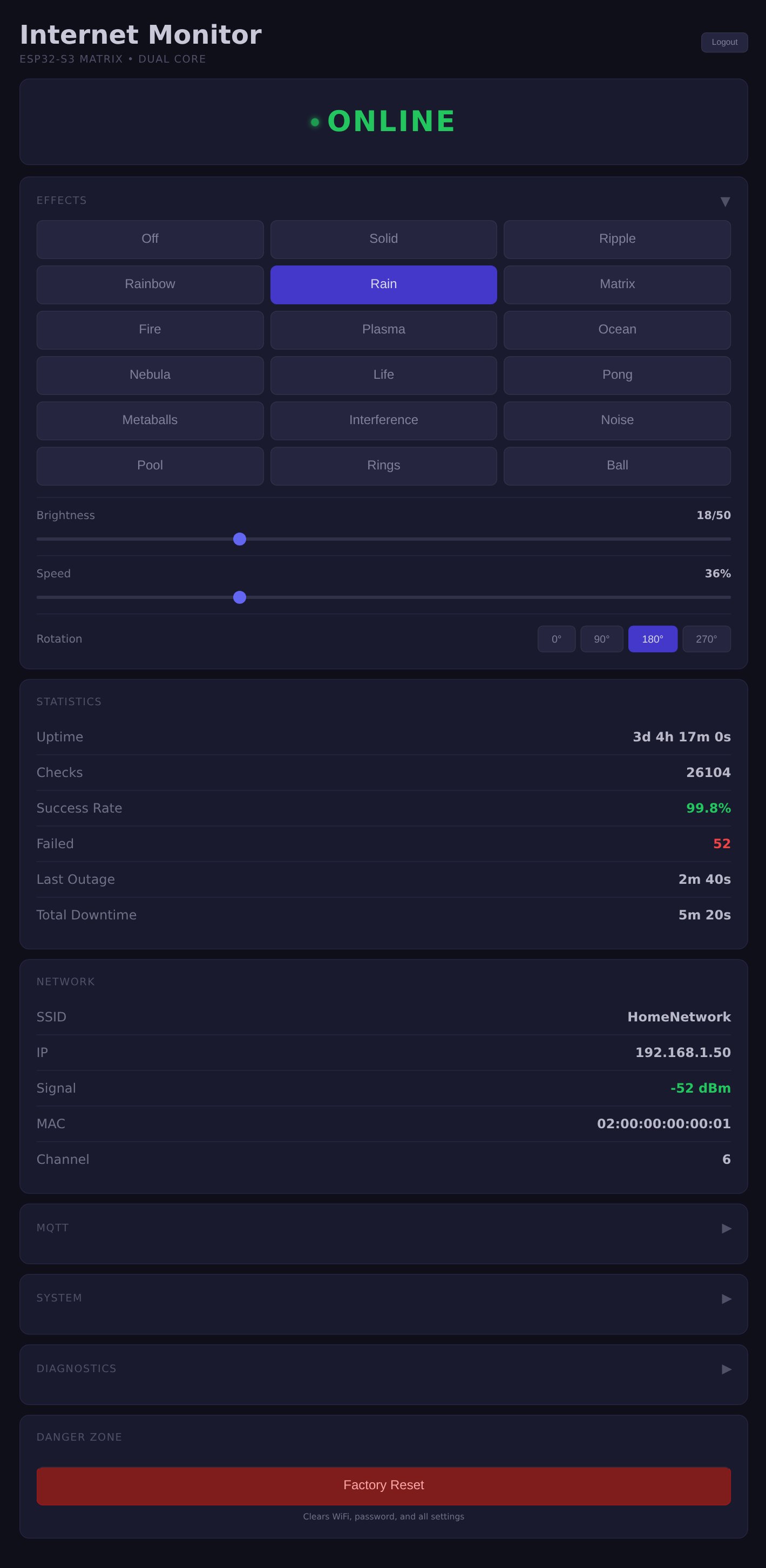
The statistics describe checks during the current run. Downtime accumulates from entering Down until returning to Online, and the displayed total excludes an interval still in progress. Losing WiFi alone does not start that counter. These figures reset on reboot, so the dashboard needs to be read with the same limits as the check itself.
ArduinoOTA supports firmware updates over the local WiFi network. Holding BOOT for five seconds while the firmware is running clears saved settings and restarts the board; with the default compiled credentials, that returns it to setup.
Reporting over MQTT
MQTT is disabled by default. When enabled and connected to a broker, it publishes retained JSON status at a configurable interval, thirty seconds by default. It can also publish after state changes. A separate availability topic has a last-will message so the broker can mark the device offline when its connection is lost.
Optional discovery can announce seven sensors and one binary sensor to Home Assistant, which needs an MQTT integration with discovery enabled.
Board notes
The firmware is specific to this Waveshare board. It configures RGB colour order and maps pixels in plain rows. The dashboard limits brightness to 50 out of 255. For another matrix, its colour order and layout would need to match or the configuration would need to change.